emin@budak ~/blog % cat bevy-0-20-migration.md
Bevy 0.20 Migration: The Breakage Worth Checking
A Bevy 0.20 migration looks manageable until it touches shaders, observers, UI, or scene code. The release adds useful capabilities, but the work is not evenly distributed. A small game with stock rendering may move quickly. A codebase that owns shader infrastructure or leans on Bevy Scene Notation should treat this as a deliberate compatibility project.
Bevy released 0.20 on October 8 with 227 contributors and 817 pull requests in the cycle. The release announcement emphasizes rendering, UI, scenes, and shaders. The release tag confirms the version. What matters in a production migration is less the feature list than the quiet contract changes that can compile, render, or behave differently.
What makes a Bevy 0.20 migration risky?
The risk sits at API boundaries where old code had implicit behavior. Bevy 0.20 changes syntax and types in several subsystems, while also changing defaults in rendering. That means a clean build is necessary but not sufficient. The migration guide explicitly calls out BSN syntax, observer event types, WESL shaders, screen space transmission, and pointer events as the most important breaking changes.
I would classify the upgrade by surface area before changing Cargo.toml. A simple ECS game with ordinary WGSL may have few source edits. A project with custom materials, generated scene files, UI controls, reflected paths, or plugins needs a focused audit. This is one of those releases where the most expensive problems are the ones that look fine at compile time.
Which parts should you check first?
Start with custom shader code and scene tooling. Bevy has adopted WESL as its shader language and removed its old custom extended WGSL dialect. Plain WGSL without preprocessor directives continues to work, but old Bevy shader imports, conditional directives, and template paths do not. The migration guide shows the mechanical translation: imports now use WESL syntax, conditional compilation uses @if, and files using the old dialect move from .wgsl to .wesl.
The change is bigger than syntax. It moves shader code toward a shared language standard, with tooling such as wgsl-analyzer in the picture. That should reduce the cost of editor support and module reuse over time. It also means a project that treated Bevy’s preprocessor features as a stable local language needs to own a real conversion step now.
| Surface | 0.20 change | What to verify |
|---|---|---|
| Custom shaders | WESL replaces the old extended WGSL dialect | Imports, directives, extension, and material pipeline output |
| BSN scenes | Explicit scene references and new list syntax | Generated scenes, macros, enum values, and formatters |
| Observers | Bundle generic moves into event patterns | Lifecycle observers and generic helper types |
| Transparency | Screen space transmission becomes opt-in | Glass, water, and any transparent material regression tests |
| Input | Pointer events flatten into concrete event types | Gestures, UI handlers, and shared event abstractions |
How should the Bevy 0.20 migration proceed?
Make the upgrade a sequence of narrow proofs. First, update the dependency in a branch and get a compiler error inventory. Do not try to fix rendering from that list. Compiler errors are good at naming missing types and poor at finding visual regressions. Then migrate code by subsystem, keeping shader work separate from input and scene work. That gives each test failure a smaller set of possible causes.
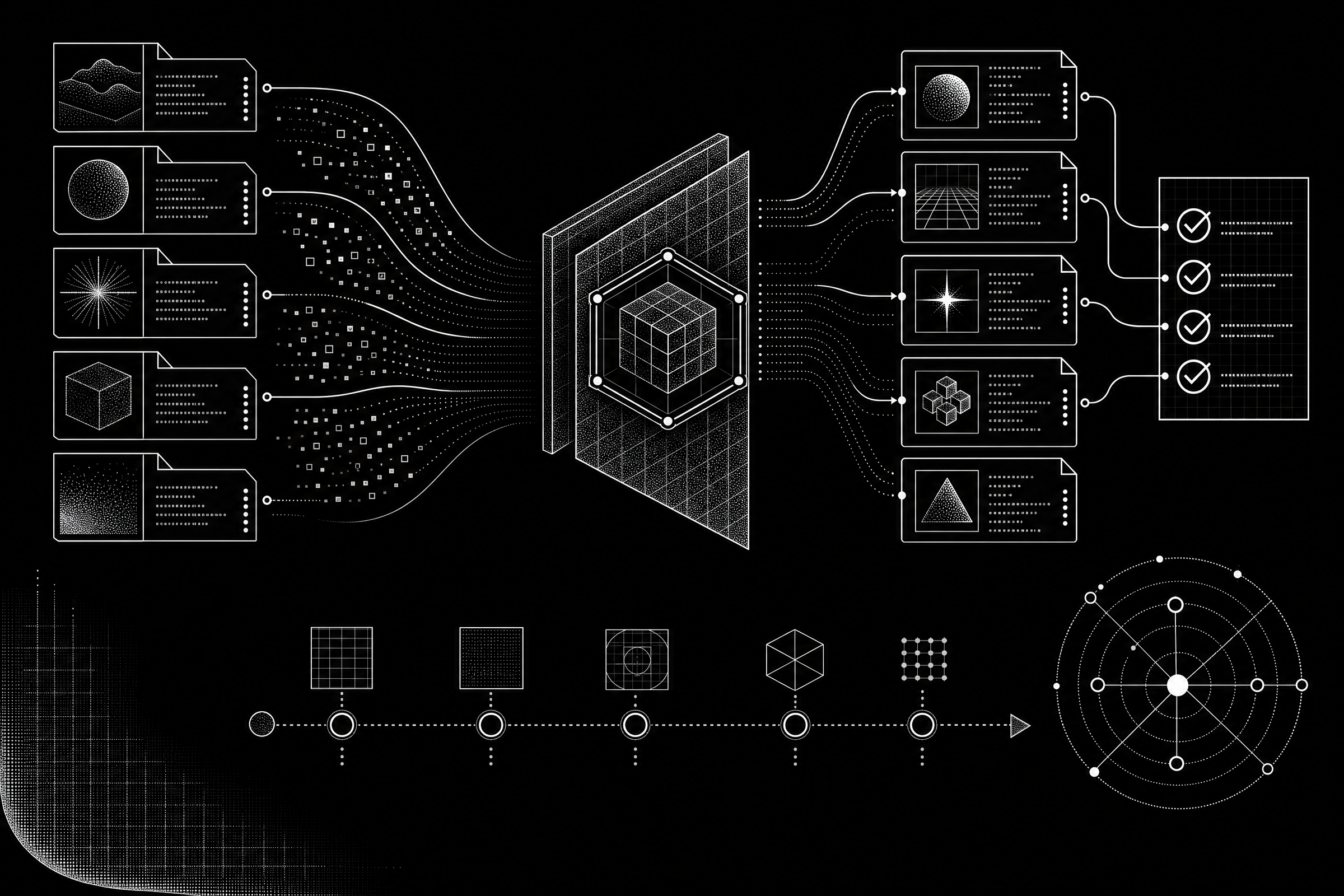
A practical order of operations
- Read the complete migration guide before editing. Search it for every crate, macro, and API family your project owns.
- Compile examples and a representative game scene. That exposes public API edits before product code makes the output noisy.
- Convert custom shaders and test them against screenshots or stable render captures. File extension changes alone are not a visual test.
- Update BSN and observer code, then exercise scene composition and lifecycle order with assertions.
- Test transparency, UI focus, pointer input, and overlapping sprites in a small regression scene.
- Run the full game only after the focused checks pass.
The important design choice is the test scene. It should include transparent materials, a custom shader, a nested scene, a pointer interaction, and one observer that depends on child entities being available. That small fixture catches most of the release’s high-risk transitions without making every visual defect a hunt through a full game.
What changed in scenes and observers?
BSN gets clearer syntax, but it is still a source compatibility break. Scene references now take an @ prefix. Component values can drop many template_value wrappers. Enums no longer use VariantDefaults or FromTemplate when they implement Default and Clone, though every enum field must now be specified. List entries use a dedicated separator, while the older comma and parenthesis patterns are deprecated in that context.
The good part is readability. The hard part is generated or macro-heavy scene code. If a project emits BSN, I would update the generator and add snapshots for its output before touching handwritten scenes. A bulk search-and-replace can easily produce syntax that looks plausible yet changes hierarchy boundaries.
Observers move in the same direction, from a broad generic form to lifecycle-specific event patterns. The guide’s example changes On<Add, A> to On<Add<A>>. For custom event abstractions, the generic shift is deeper because the old bundle type parameter has to move into an EventPattern implementation. This is a real API design decision, not just a spelling fix.
Which rendering defaults can change the shipped image?
Screen space transmission is now disabled unless a Camera3d has the component. If a scene relies on translucent materials, check the result before assuming the renderer regressed. Add the component where the effect is intended, then compare it under the target hardware and camera settings. Solari also changes its ReSTIR default. The release says ReSTIR is optional and off by default because newer DLSS-RR updates often make the cost harder to justify. Re-enable it only after comparing the actual scene, because shadow quality in many-light motion can change.
There are positive changes too. Solari now runs on macOS through Metal, although the release notes say there is no built-in denoiser for macOS in bevy_solari. Bevy also adds WESL, mesh shaders, new UI widgets, a pan-orbit camera, and a Ready event that fires after a spawned scene’s descendants are present. Those are reasons to upgrade. They are not reasons to skip the migration discipline.
The decision I would make
Bevy 0.20 is worth planning for, especially for teams that want standard shader tooling or the new scene and UI work. I would not treat it as a same-day bump for a project with custom rendering. The release is fresh, and the migration guide is long because the compatibility surface is real. Start with a branch, build a compact regression scene, and move each high-risk boundary one at a time.
For teams already considering how tools change game production, the earlier post on Claude Opus 5.5 and game development adds a useful adjacent question: where automation helps, and where deterministic engineering still has to lead.
If you have a Bevy 0.19 branch, use this checklist against one representative scene before moving the rest of the project.