emin@budak ~/blog % cat claude-multi-account.md
Claude Multi-Account: How I Keep Desktop Profiles Aligned
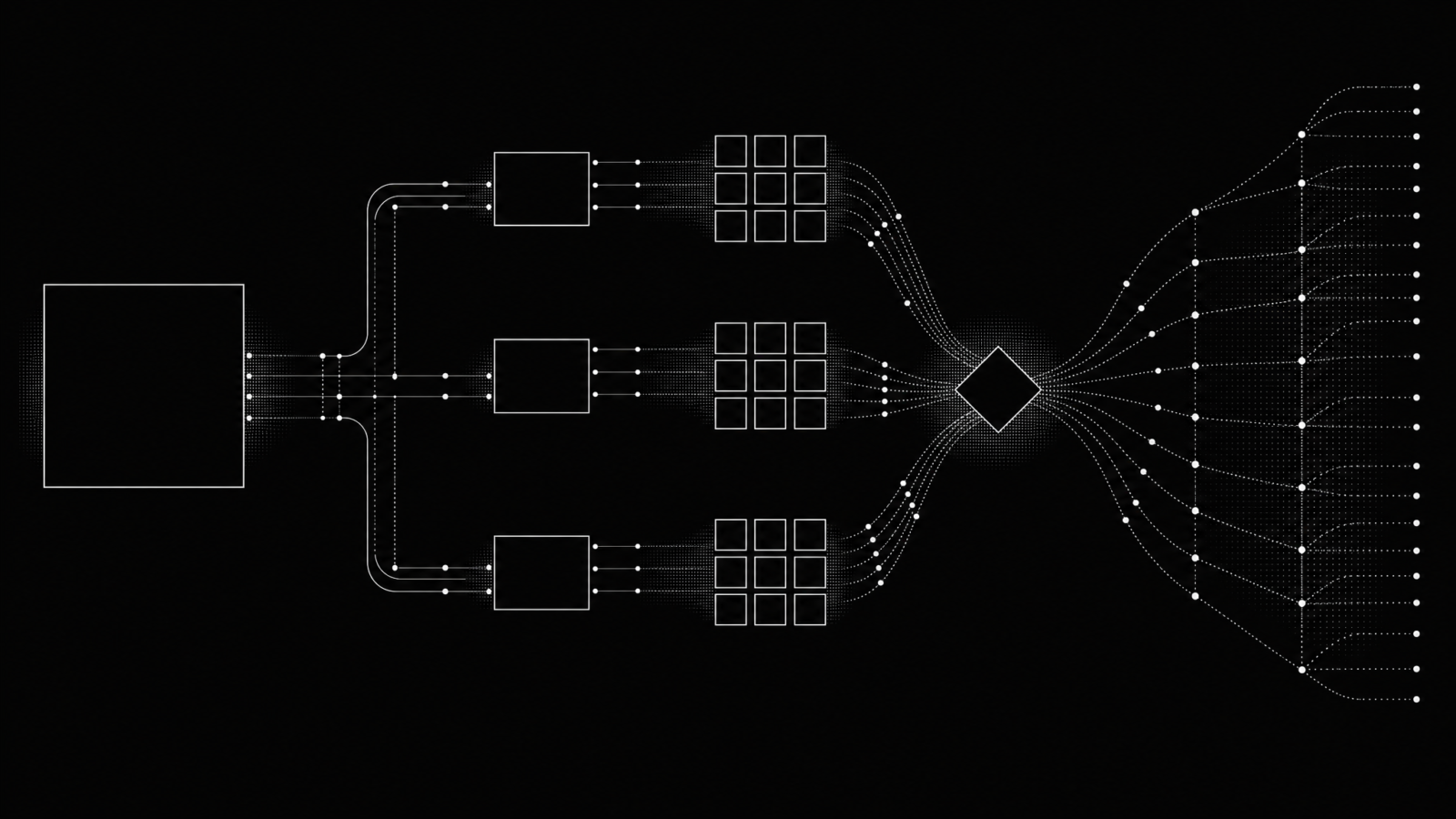
Multiple Claude accounts on one Mac were awkward enough that I built claude-multi-account. Claude Desktop keeps one signed-in account per app. Switching accounts clears the sign-in, and the Claude Code sidebar can look empty even though the transcripts are still there. The tool runs several signed-in Claude Desktop profiles and gives each one the same Claude Code session list.
It’s a small macOS tool written in Bash and Python 3 using the standard library, MIT licensed, unofficial, and not affiliated with Anthropic. Rather than altering Claude.app, it starts the unmodified app with a separate Electron user-data directory for each profile, then reconciles the small index files behind the session list.
Why one desktop app is awkward for several accounts
Claude Desktop is organized around one signed-in account at a time. There is no account picker or profile switcher. Switching accounts isn’t a light UI action either. The OAuth cache is cleared, so the next account needs a browser sign-in again.
The stranger part is the sidebar. Claude Code transcripts live under ~/.claude/projects/, which all accounts on the Mac share. The desktop app’s session records are different: each account has its own store, keyed by account and organization. Change accounts and the new sidebar may not know about the transcripts already on disk. The work didn’t disappear. Its index did.
I didn’t want separate copies of Claude.app or a modified bundle. Both are bad maintenance stories. The repository README describes the split that matters: leave shared Claude Code data alone and give each desktop login its own application state.
Running multiple Claude accounts with separate profiles
The launcher starts one unmodified Claude.app instance with Electron’s --user-data-dir option. A profile gets its own login, cookies, app settings, and session-record store under ~/.claude-profiles/<email>. Several profiles can be open at once, each in its own window.
That distinction matters. The profiles isolate the desktop app state, while ~/.claude stays shared because it wasn’t account-scoped to begin with. I’m not copying transcripts between accounts. The tool doesn’t read or write ~/.claude/projects/.
The Bash launcher also handles a macOS detail that surprised me while building it. A new profile must be the only running Claude instance during its first sign-in, because the claude:// callback is delivered to the instance that registered first. Once a profile is signed in, the profiles can coexist. The implementation and its checks are in bin/claude-multi.
Session-list synchronization stays merge-only by default
The sync engine deals only with small session record files. For each session ID, it selects the copy with the newest lastActivityAt value and writes that record to every store that is missing it or has an older copy. It’s a two-way merge, not a preferred-account mirror.
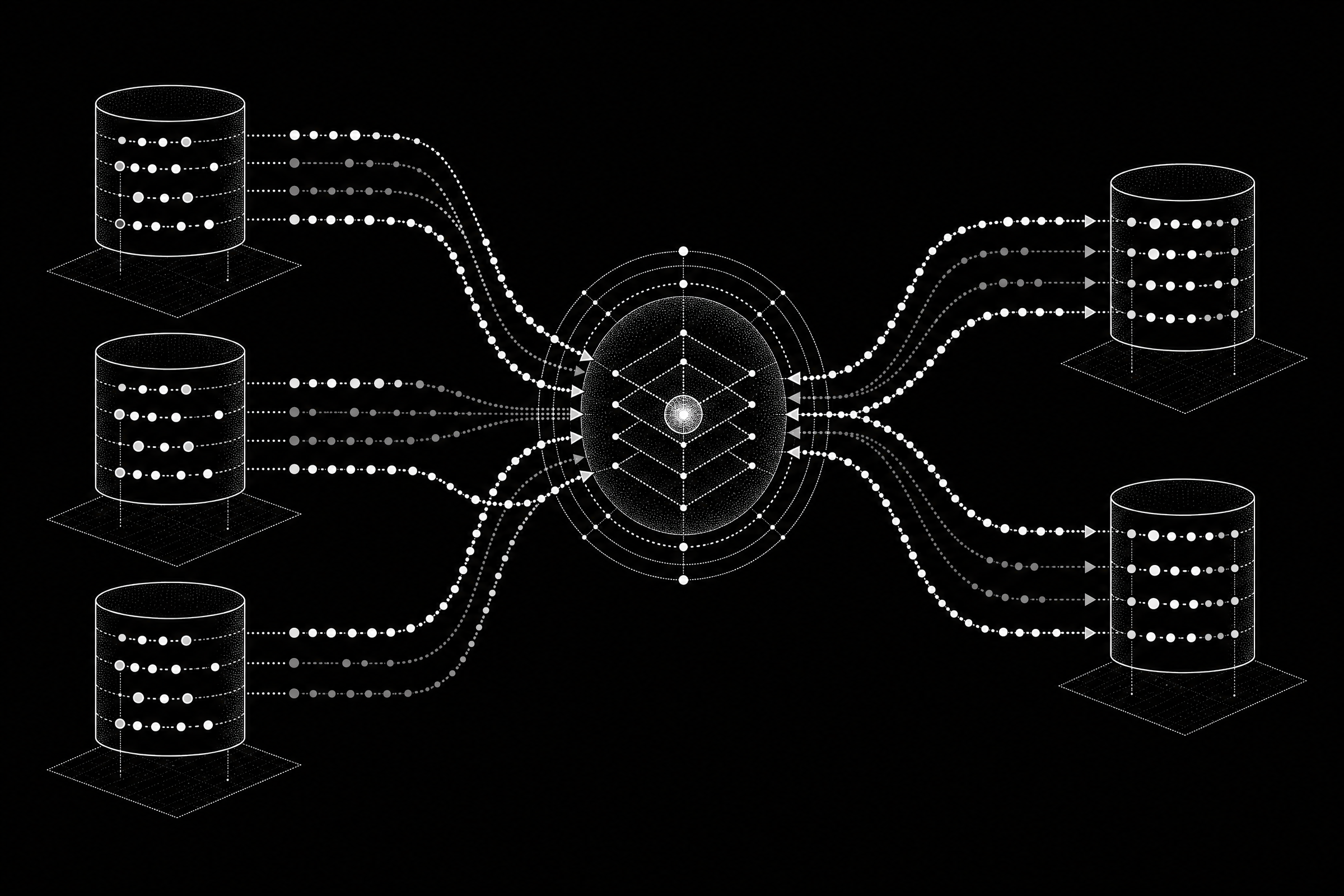
I made the default deliberately boring. claude-sessions-sync starts as a dry run. --apply performs the merge, but it still can’t remove a record or deletion marker. Deletions need the separate --propagate-deletions flag. The code also treats unreadable input as a reason to skip that item, not a reason to guess.
That behavior is deliberate. The Python implementation moves only the session indexes, validates the records it uses, and uses the newest valid timestamp as the tie-breaker. Its source is bin/claude-sessions-sync. A synced session list becomes visible after a restart or an account switch because the desktop app reads that list at those points rather than watching the directory live.
Install and set up claude-multi-account from a terminal
The installer links two commands rather than copying them. It uses /usr/local/bin when that directory is writable, otherwise ~/.local/bin. It checks for a working Python 3, doesn’t use sudo, doesn’t launch Claude, and doesn’t install the background job by itself.
The quick start from the README is:
git clone https://github.com/EminBudak/claude-multi-account.git
cd claude-multi-account
./install.sh

claude-multi doctor
claude-multi setup [email protected] [email protected]
Run doctor before creating anything. Run setup from a normal Terminal.app shell, not from Claude Code inside Claude Desktop. Setup has to close every Claude Desktop window before it begins and again between accounts. It asks for confirmation because a clean first sign-in needs one running instance.
After install, I’d still start with the dry run: claude-sessions-sync. Read the plan. Use claude-sessions-sync --apply only when it matches what you expect. The background job is optional and can run on an interval, at load, and when an account switch changes the relevant configuration.
What an AI coding agent can and cannot do
An AI coding agent can clone the repository, run the installer, run doctor, inspect the sync dry run, apply a merge-only sync, inspect status, and create a profile launcher when the sign-in conditions are safe. It can also help interpret the local checks.
Two jobs stay with a person. The browser sign-in uses real credentials and comes back through the system URL handler, so it needs a human once for each profile. claude-multi setup also stays with a person in Terminal.app. It intentionally quits Claude Desktop, needs a real terminal, and refuses to start inside a Claude Code session unless overridden. An agent shouldn’t reach for that override.
There’s one small command-line trap worth knowing. Options belong after the subcommand: claude-multi [email protected] -y is accepted, while claude-multi -y [email protected] isn’t. The -y flag can answer a profile-creation confirmation, but it can’t perform the browser sign-in or dismiss every sign-in warning safely.
The limits are part of the design
This is macOS only. It depends on Claude Desktop, Electron user-data directories, LaunchServices, and launchd. It also requires one manual sign-in per profile. It can’t migrate accounts magically or bypass the browser authentication step.
It’s also unofficial. I built it as a local utility around the files and launch behavior the repository documents, not as a replacement for any official account-management feature. If that trade-off fits your Mac, the project repository has the full command reference, safety behavior, and current changes.